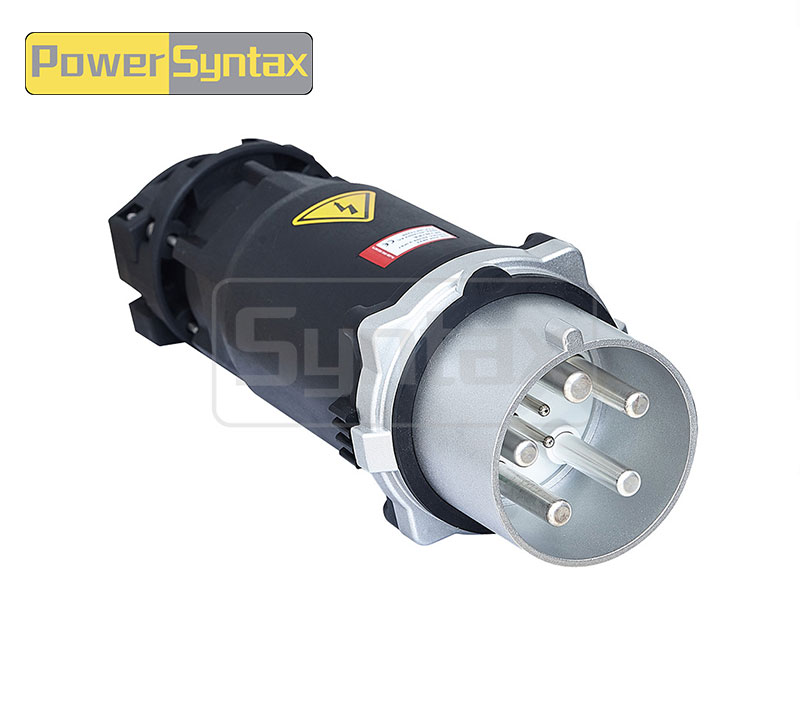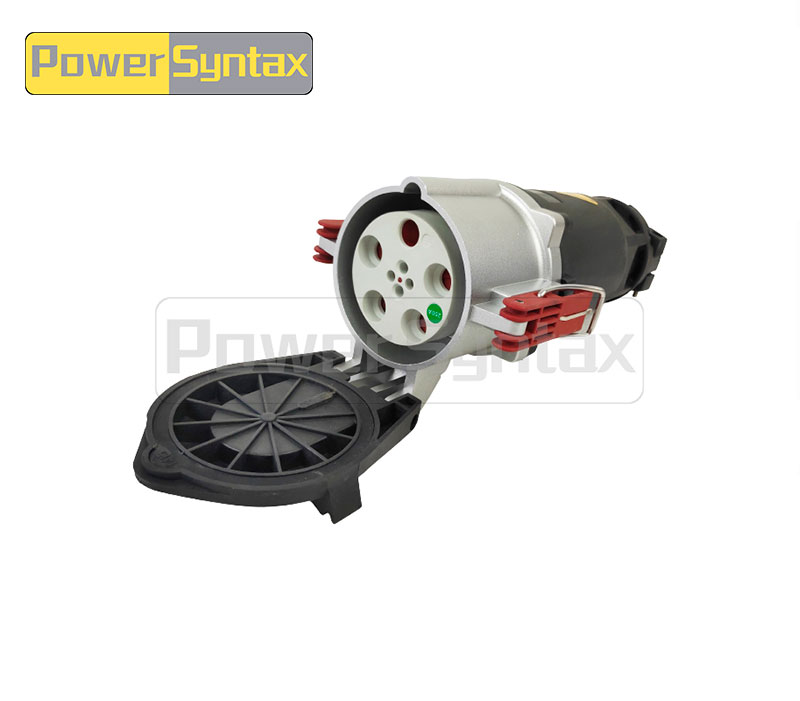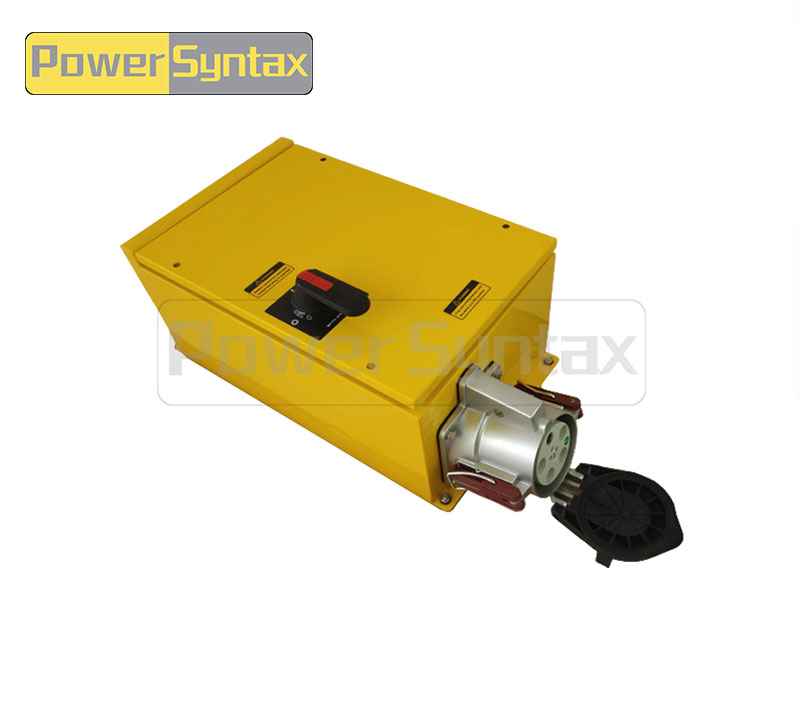

Why Does My Shore Power High Current Plug Overheat During Dock Operations
You‘re running a vessel at the dock—cranes loading, HVAC running, galley in full operation. Then you notice the shore power connection is too hot. Not the cable, but the Shore Power High Current Plug itself, warm to the touch at first, then too hot to handle. Overheating shore power connectors are the single most common failure mode in dock operations worldwide, and they rarely fix themselves. Left unchecked, a hot plug melts insulation, carbonizes contacts, and can start a fire. But before you condemn the entire system, look closely at where the heat is coming from. The location of the heat—the pin area, the cable entry, or the whole housing—tells you exactly what’s wrong and what to fix.
Heat coming from the pin and sleeve area
If the plug feels hottest around the mating face where pins enter the socket, the problem is at the electrical contact interface.
Insufficient contact pressure after repeated mating cycles. Every time you connect and disconnect a high-current plug, the spring tension in the socket contacts relaxes slightly. After hundreds of cycles, the contact pressure drops below the threshold needed for a stable, low-resistance connection. The result is a higher resistance path; current still flows, but the contact generates heat instead of carrying the load cleanly. If the plug inserts or removes with noticeably less friction than a known-good unit, the contacts are worn.
Oxidation build-up on pin surfaces reducing conductivity. In marine environments, silver-plated or copper alloy pins develop a dark oxide layer over time. Oxidation acts as an insulator, increasing contact resistance and generating heat. What looks like a “little discoloration” can be enough to cause severe overheating under full load. If the pins appear dark, dull, or show black spotting, clean them with a fine abrasive pad (not sandpaper) and apply a thin film of dielectric grease.
Debris or sand ingress in the socket barrel. Dust, sand, and salt crystals accumulate inside the socket barrel, physically interfering with full pin insertion. Even a partial insertion prevents the contacts from seating correctly, creating a high-resistance interface. If the plug does not fully seat with a positive detent, or the locking mechanism engages earlier than expected, debris is likely.
Heat concentrated at the cable entry point
If the plug body is cool near the mating face but hot where the cable enters, the problem is inside the termination.
Undersized cable gauge relative to current draw. A cable that is too small for the load heats up along its entire length. That heat conducts into the plug body through the terminal connection. If the cable feels warm beyond the plug, not just at the entry point, the gauge may be undersized. For a 300A continuous load, 70mm² copper is the minimum; for 400A, 95mm² to 120mm², depending on cable rating and insulation type. The higher the current, the greater the heat gradient between undersized and properly sized cable.
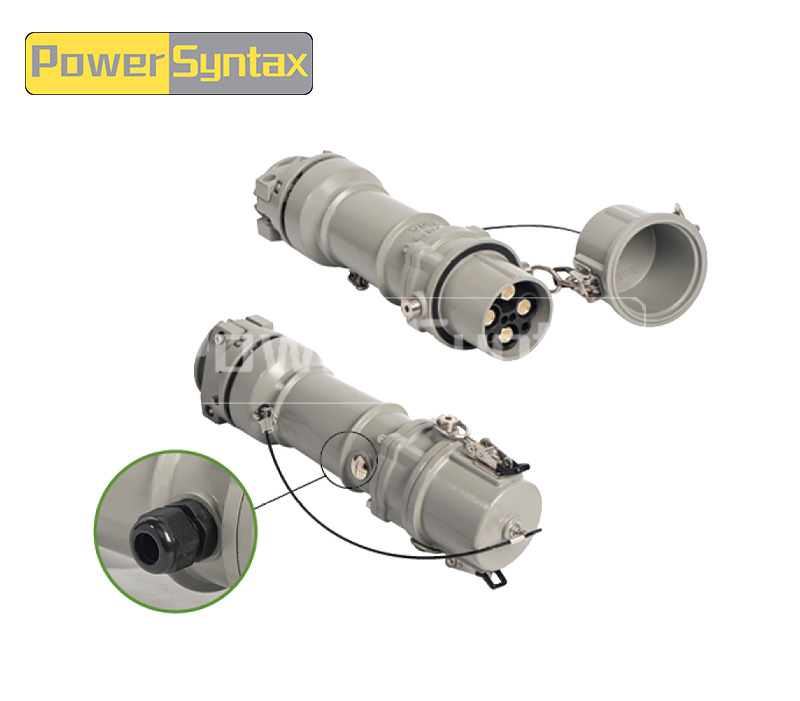
Loose screw termination inside the plug body. Even properly sized cable will overheat at the termination if the terminal screw is not torqued correctly. The connection point vibrates loose over time from ship movement and thermal cycling. A loose termination has a fraction of the contact area it should, creating a concentrated hot spot that can melt the plug body from the inside out. If the cable pulls out with light force when the screw is supposedly tight, or the screw turns with less resistance than expected, the termination needs attention. An infrared thermometer pointed at the cable entry will show significantly higher temperature there than elsewhere on the plug.
Damaged conductor strands from improper stripping. When a cable is stripped for termination, nicked strands are easily missed. Under load, the reduced cross-section at that point becomes a localized hot spot. Over time, the damaged strands heat up, oxidize, and eventually break, reducing the conductor further in a cascading failure. If several strands are visibly cut where the conductor enters the terminal, the cable end requires re-stripping.
Heat spreading across the entire plug housing
When the whole plug body runs hot—without a clear hotspot at pins or cable entry—the cause is usually external to the termination itself.
Ambient temperature exceeding the plug‘s design limit. Shore power connectors exposed to direct sunlight on a steel dock can easily reach internal temperatures of 60–70°C before any current flows. Add 200A of load, and the total temperature may exceed the insulation rating. This is particularly common in summer in tropical ports where ambient temperatures regularly exceed 40°C. If the plug runs hot even on cool days, ambient is likely not the primary cause; but if the problem appears seasonally or only on sunny afternoons, solar loading is a major contributor.
Continuous operation at 100% rated current without cooling interval. Even properly designed connectors have thermal time constants. Running at full rated current for hours without a period of reduced load may cause the plug to exceed its steady-state temperature limit. The plug’s rating assumes a certain duty cycle; continuous full-load operation is often not accounted for in basic selection. If the plug stays hot throughout the entire dock stay but cools quickly when load is reduced, continuous full-rated operation is the issue.
Water ingress accelerating corrosion. Marine shore power connectors are subject to salt spray and splashing. If seals are damaged or the plug is frequently connected while wet, moisture enters the connector body. Water trapped inside accelerates galvanic corrosion, which increases resistance at multiple points—not just one hotspot. The result is evenly distributed heating across the entire plug. Visible signs include white or greenish corrosion deposits inside the plug, rust on steel components, or moisture droplets visible through translucent housing sections. If the plug has been submerged or shows signs of internal moisture, complete disassembly, drying, and cleaning are required before further use.
Temporary safety measures while still docked
When a plug is overheating but you cannot immediately replace components, take these precautions.
Reduce electrical load. Shut down non-essential equipment—auxiliary heaters, battery chargers not currently needed, non-critical lighting. Every amp reduction lowers the temperature at the failing connection and may keep the plug within safe limits until repairs are possible.
Inspect and clean accessible contacts. If the plug can be safely disconnected (with shore power breaker off), inspect the pins and socket. Clean visible oxidation with a contact cleaning pad and apply silicone spray.
Monitor temperature continuously. Use an infrared thermometer to check plug temperature at 15‑minute intervals. Set an alert at 80°C—a typical threshold for significant risk of insulation damage.
Secure the cable properly. Use a cable support or tie the cord to the pedestal to remove mechanical strain from the plug body.
These are temporary measures only. If a plug reaches 100°C, disconnect it immediately and do not reuse until the root cause is identified and corrected.
Questions from dock maintenance teams
Q: How hot is too hot for a shore power high current plug?
A: Up to 50–60°C is generally acceptable under full load. Between 60°C and 80°C is a warning zone requiring investigation. Above 80°C is dangerous—insulation degradation accelerates and contact oxidation worsens. At 100°C, immediate disconnection is required.
Q: Can I temporarily wrap a hot plug with a cooling cloth?
A: No. Covering a hot plug masks the problem, traps heat inside, and makes the connection less visible for inspection. If a plug is too hot to handle, the correct response is to reduce load or shut down—not to add external cooling.
Q: How often should shore power plugs be inspected for signs of overheating?
A: Perform a visual inspection before every dock connection, especially at the beginning of peak season. At a minimum, inspect monthly for any discoloration, pitting, or melting around the pin area and cable entry. After any overheating event, inspect before each subsequent use.
Q: Can I use general-purpose electrical grease on shore power pins?
A: Use only dielectric grease specifically rated for high-current marine connectors. General-purpose greases may degrade under high temperature or conduct improperly. Apply sparingly—excess grease attracts dirt and debris.
When to replace vs repair
| Damage Level | Visual Signs | Recommended Action |
|---|---|---|
| Minor | Slight discoloration, light pitting on pins | Clean contacts thoroughly; apply dielectric grease; retest under load |
| Moderate | Pin surface erosion, dark or uneven coloration; cable insulation stiff near termination | Replace plug end; re-terminate cable; verify torque |
| Severe | Melted plastic housing, carbonized pins, visible arc tracks | Discard immediately; full plug replacement; inspect mating socket |
| Repeated event | Same plug overheated twice after cleaning | Replacement required—internal damage not externally visible |
If the mating socket on the dock pedestal also shows damage, replace it at the same time. Mixing a new plug with a damaged socket produces the same overheating pattern again.
Androlectric shore power high current plugs and sockets
When environments demand high reliability—commercial shipping ports, military docks, and industrial marine facilities—the Shore Power High Current Plugs and Sockets from Androlectric are engineered to manage substantial electrical loads with rated currents from 200A to 1000A and voltages up to 12kV (AC) or 1500V (DC). The full-body electropolished cast aluminum construction incorporates seawater-resistant design for continuous saltwater exposure. Termination options include ferrule crimp terminals from 70mm² up to 185mm², ensuring secure, low-resistance connections. Design compliance with IEC 309-5, EN 60309-5, and GB/T 11918.5 means these connectors meet rigorous international standards for shore-to-ship power transfer.
Beyond hardware, Androlectric emphasizes systematic thermal management: silver-plated copper contacts for low surface resistance, robust terminal torque specifications, and marine-grade sealing to exclude moisture and salt. For port engineers and vessel operators, this translates to longer service intervals, fewer overheating events, and predictable lifecycle costs.
→ Request a quote from Androlectric for Shore Power High Current Plugs and Sockets — Share your vessel type, operating current, and dock environmental conditions. Their technical team will recommend the correct rating, termination style, and inspection schedule for your application.